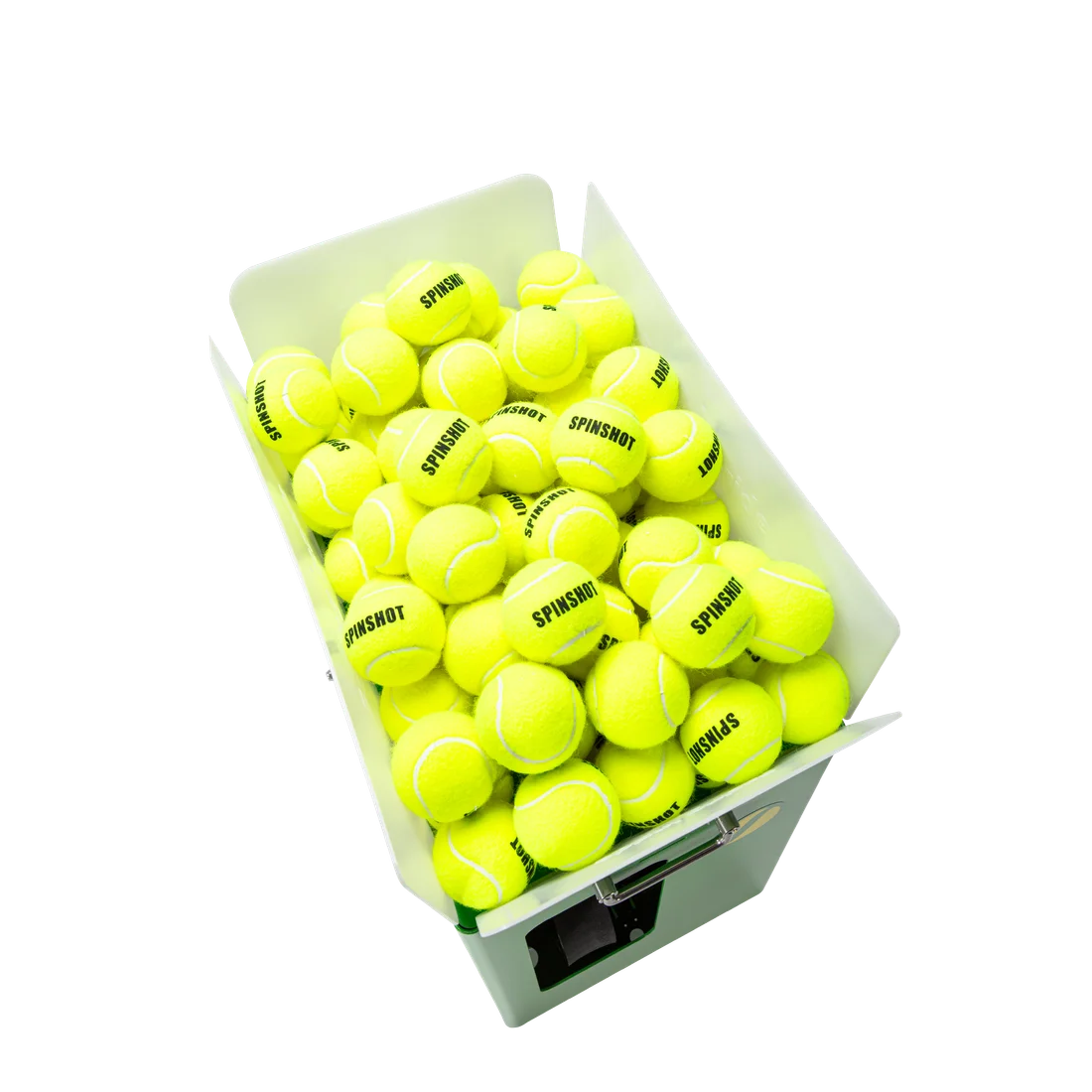
Reasons to consider it
- The current HS page combines custom drills with panel-based oscillation access
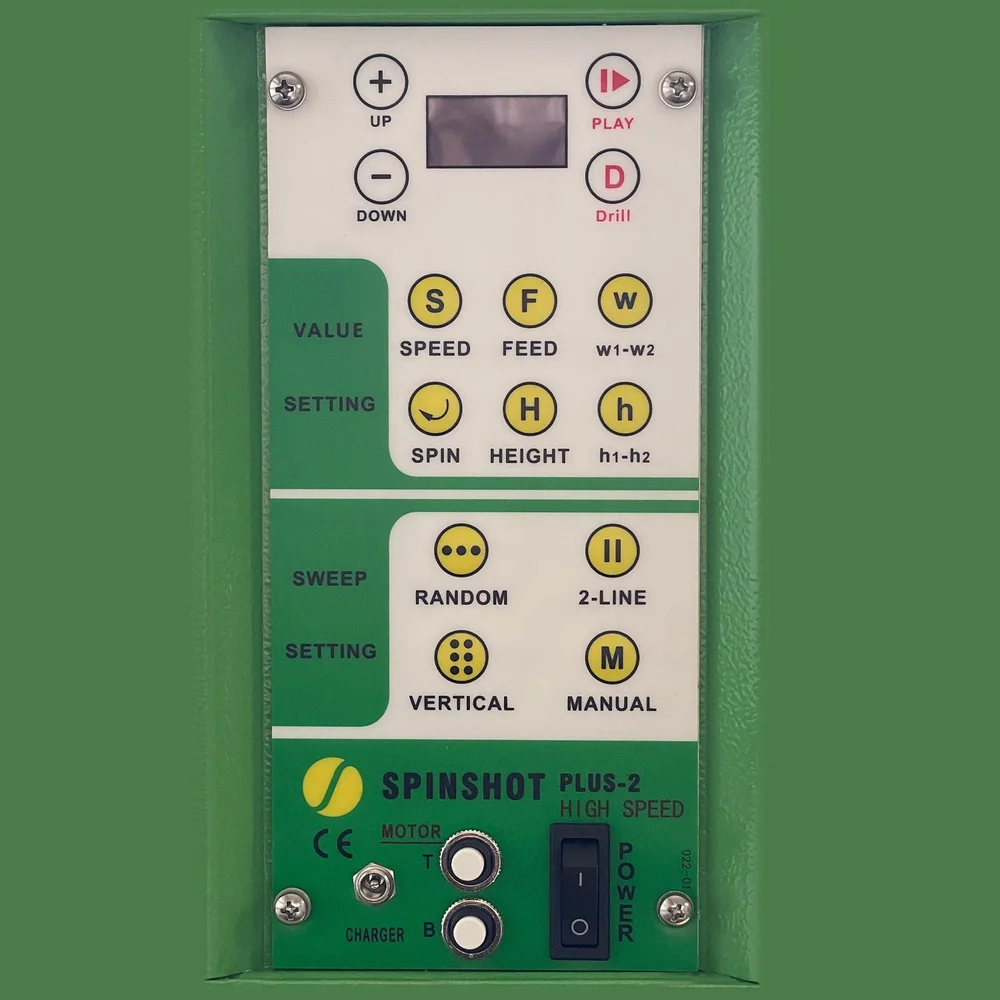
- An OLED panel separates the interface from the Player approach
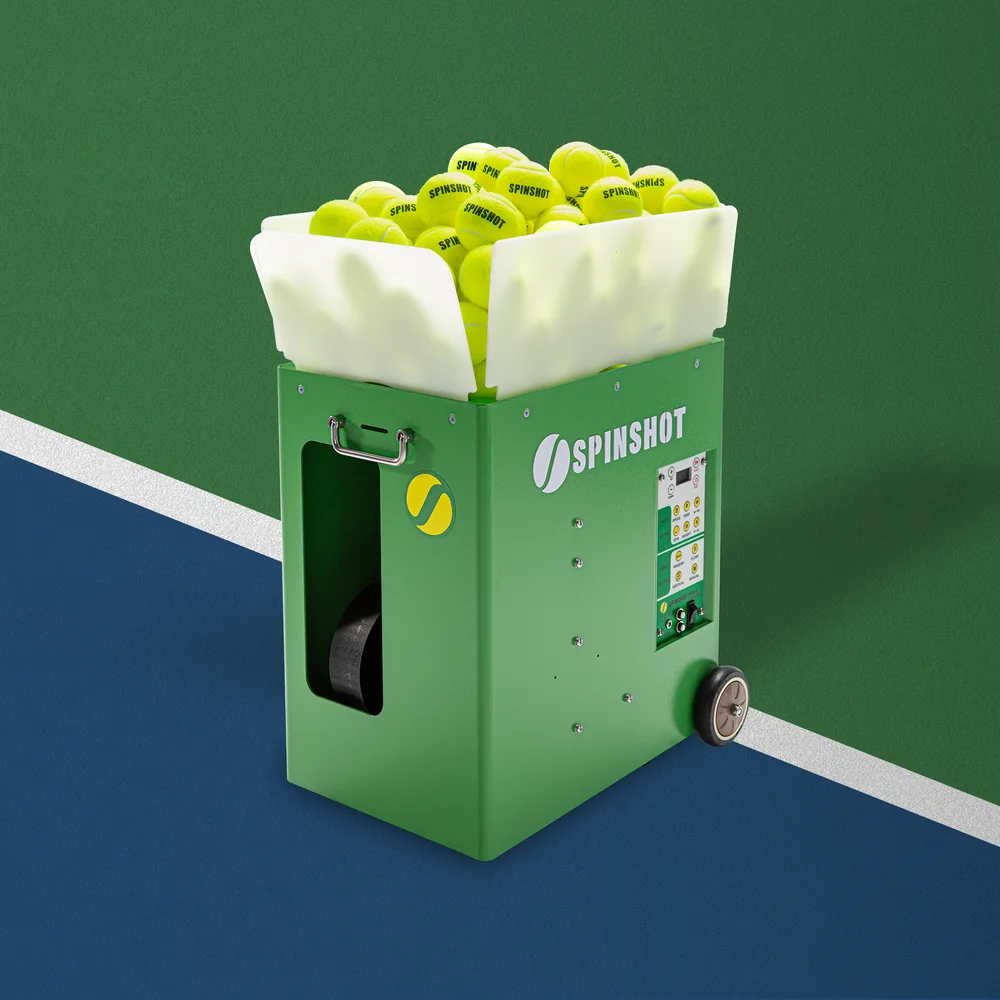
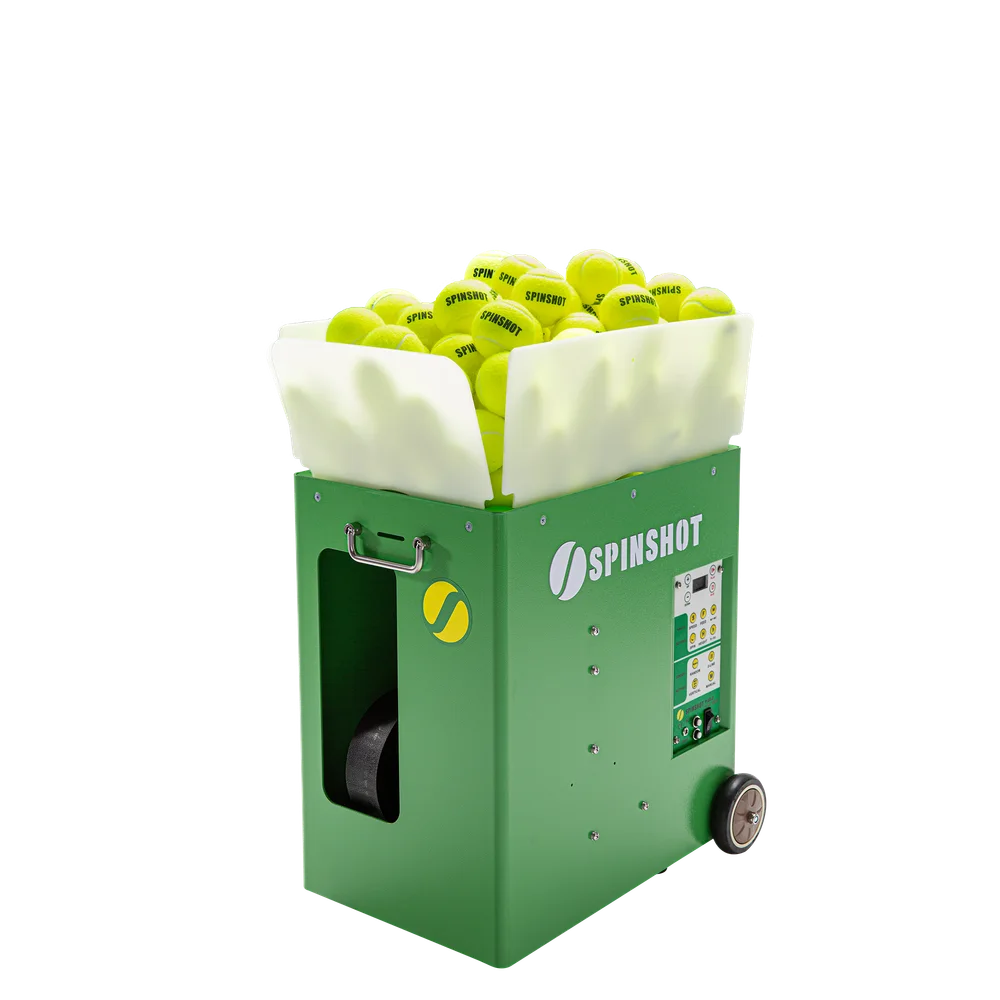
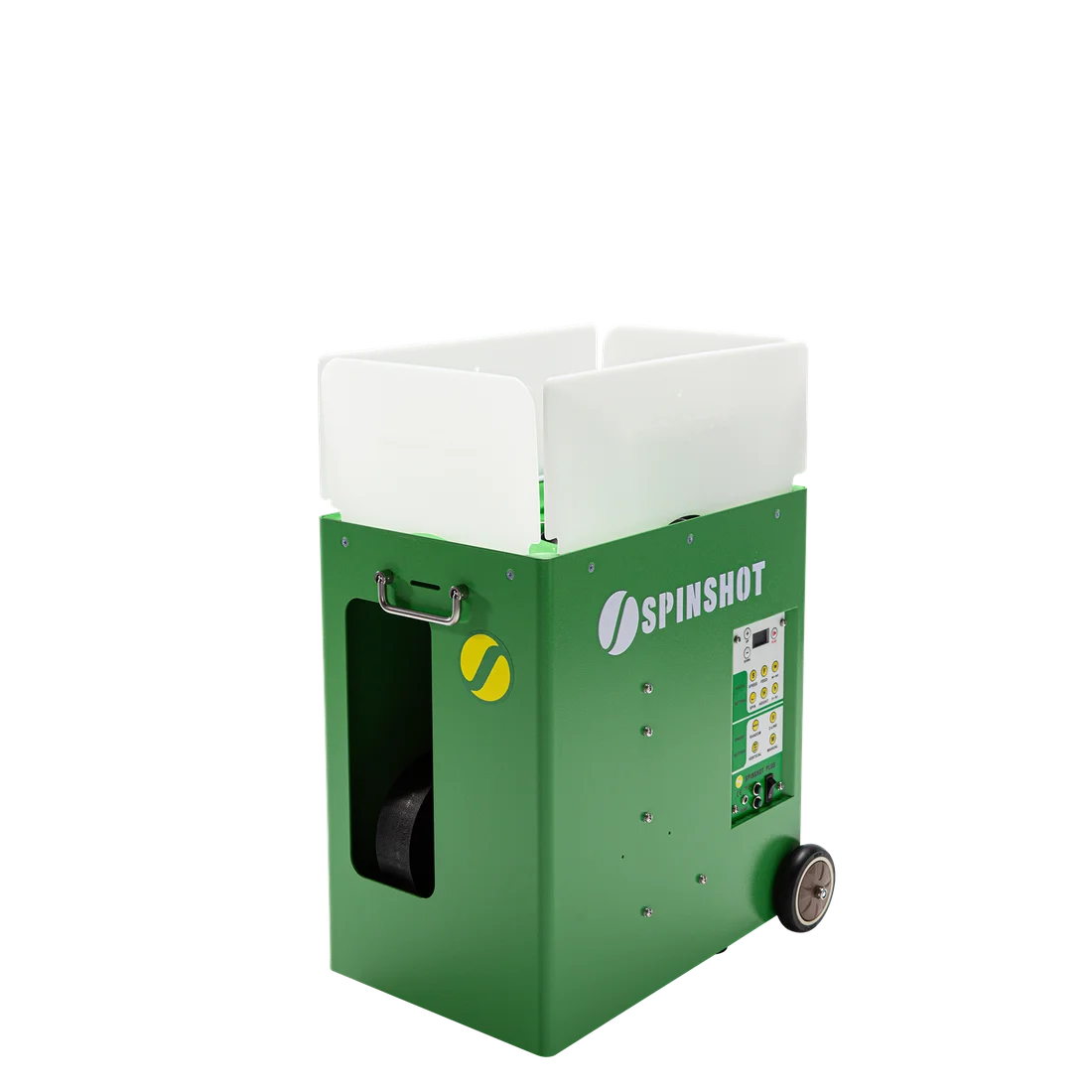
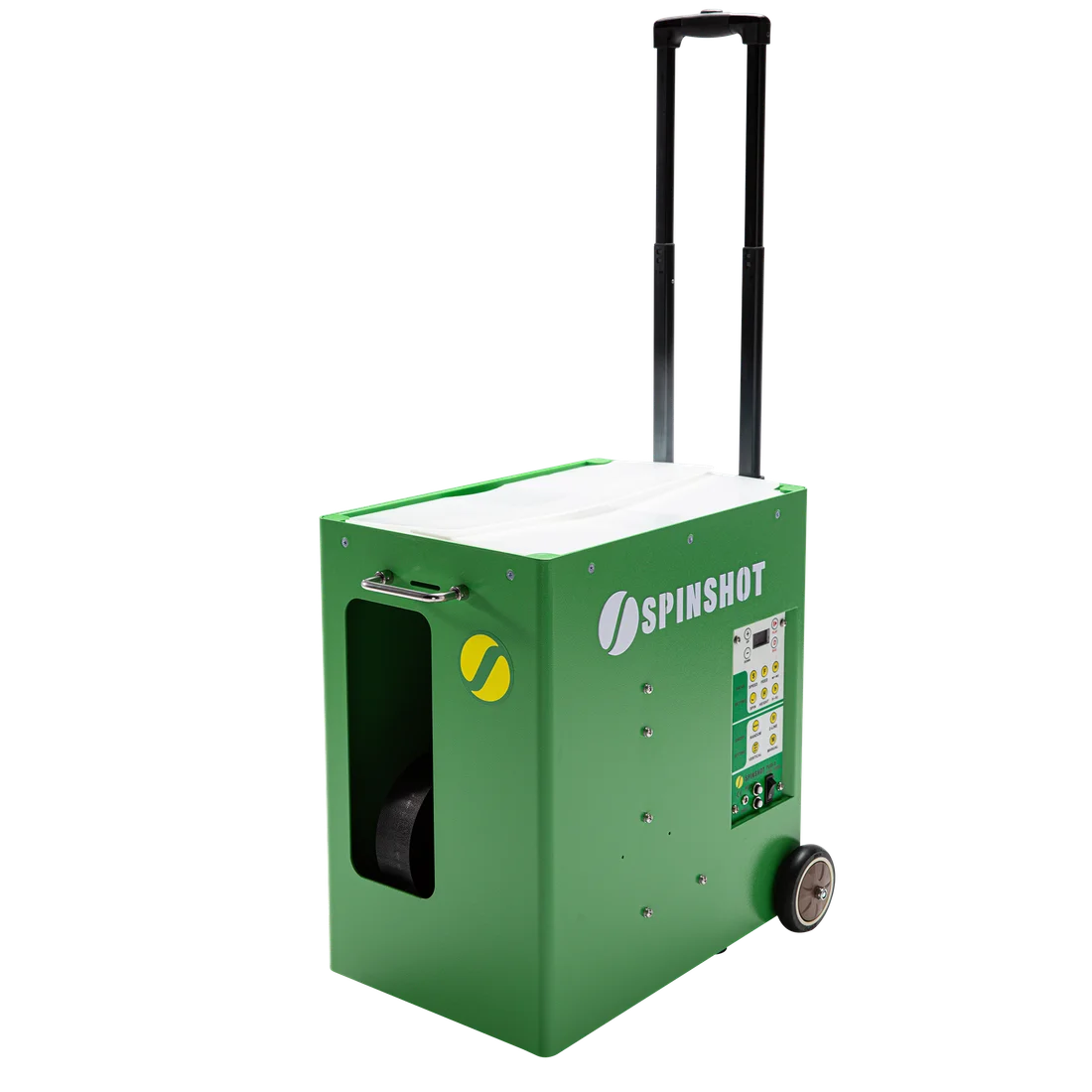
Spinshot Plus-2 combines custom drill programming with direct access to oscillation controls on an OLED panel. It gives players another interface to consider alongside the Player approach. This review distinguishes the documented HS configuration from older standard-speed stock; confirm the model and power arrangement before applying specifications to a seller’s offer.
Plus-2 is relevant when you want both programmed drills and quick access to oscillation modes at the control panel. Its benefit over Player should be judged by how often you adjust settings during a session.
Specifications apply to the configuration listed below.
Swipe horizontally or focus the table and use the arrow keys to view all columns.
Manufacturer-stated specifications for the configuration described below. Performance and battery life vary with settings and conditions.
| Specification | Details |
|---|---|
| Ball capacity | 120 balls |
| Ball speed range | 18–80 mph (HS version)Current HS configuration only; older standard-speed stock differs. |
| Custom drills | 12 custom drills |
| Oscillation | Horizontal and vertical placement |
| Manufacturer warranty | 2 yearsManufacturer terms and eligible market apply. |
| Controls | Touch panel and Drill Maker app; Remote Watch option |
| Display | OLED panel with direct oscillation mode controls |
| Battery | Battery included for US delivery; mains/hybrid power module is an upgradeConfirm the selected power module and package. |
The manufacturer describes additional panel controls as a main distinction from Player. If you do not want to use the app every time you change an oscillator mode, that interface difference may matter more than a shared maximum-speed figure.
The manufacturer describes the HS version separately and says regular-speed production has ceased. Check the exact model with the seller; an older standard-speed offer should not be assumed to have HS specifications or current availability.
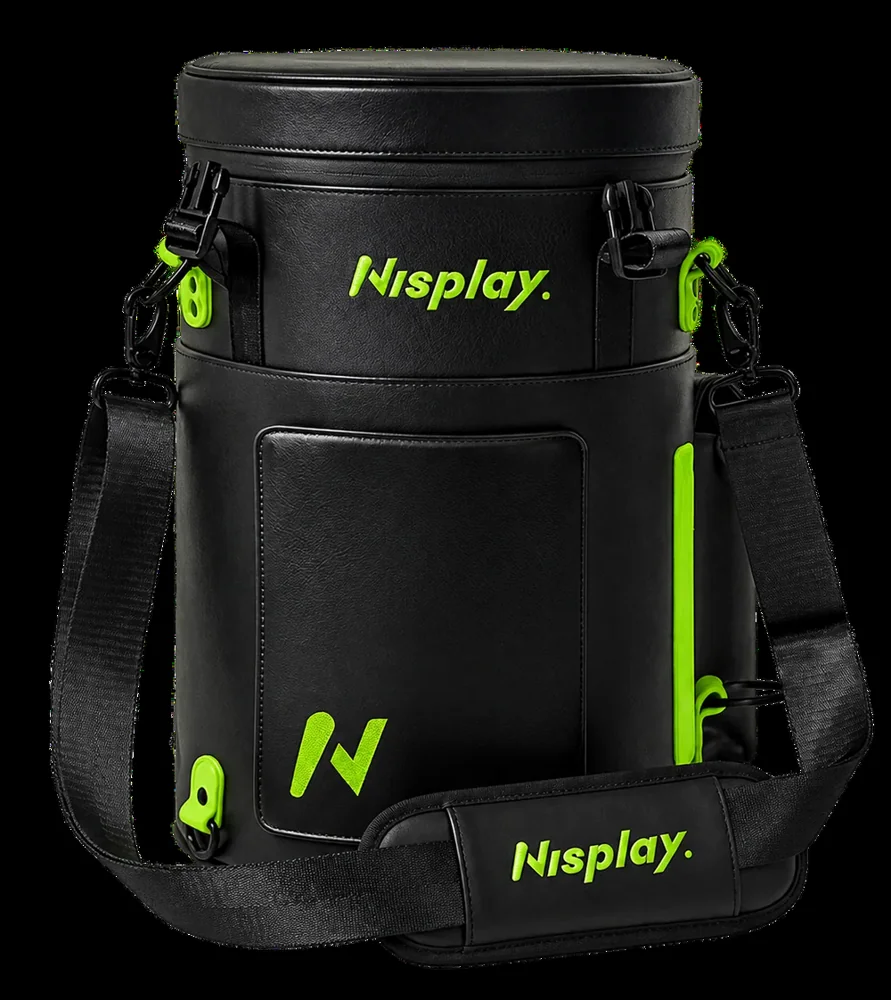
A carry-oriented machine with app and pocket-remote controls.
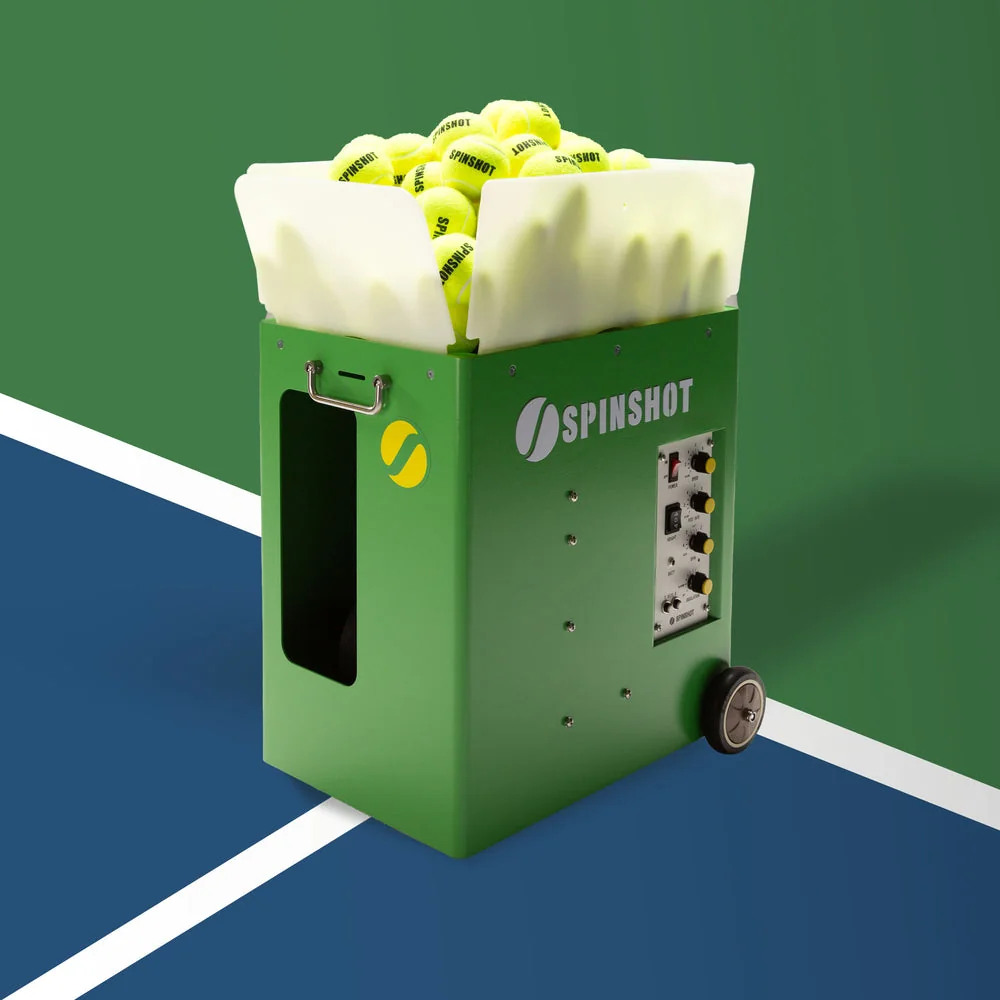
A Pro-style machine with more adjustable horizontal placement.
Compare the panel workflow first. If you normally load a saved drill in the app and leave it alone, Player may cover the same training need with fewer reasons to pay for this interface.
The documented Plus-2 combines custom drills with additional direct oscillation controls and an OLED panel. Consider that interface if you prefer adjusting oscillator modes at the machine rather than through the app.
No. The source distinguishes HS from older standard-speed versions. Confirm the exact model with the seller before applying HS figures to an offer.
Match the exact model, generation, power arrangement and included equipment to the seller’s offer. Use the documented specifications with their configuration notes, and check current availability, warranty and return terms before ordering.
Spinshot Brand and Product Range ↗
Spinshot Player Research Review ↗