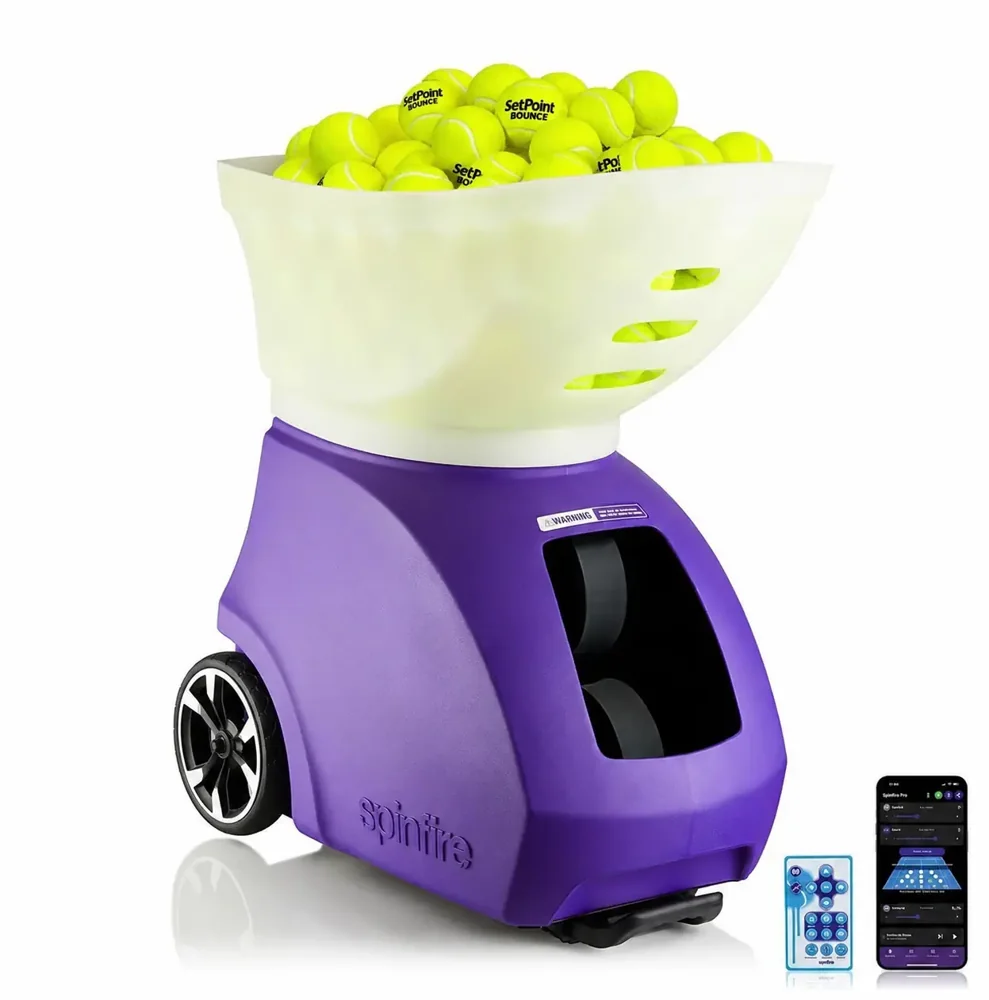
Spinfire
Spinfire Pro 2
Internal oscillation with a wider set of practice controls.
- Ball capacity: 150 balls
- Maximum ball speed: 80 mph
Explore the Spinfire brand through the Pro 2 and its documented approach to tennis practice. Internal oscillation changes delivery direction without requiring the whole chassis to swing, while remote and app options introduce different ways to adjust a session. Those controls should be considered alongside the power arrangement you will actually carry and charge. This guide focuses on practical configuration questions instead of assuming every Pro 2 package is identical. Compare the available model information, check which upgrades and accessories are included, and confirm current US purchase and support arrangements before making a decision.
Internal oscillation with a wider set of practice controls.
A Pro 2-centered US range with internal oscillation and different control options. The useful question is how those choices fit your practice, rather than whether the brand has the longest feature list.
Pro 2 is relevant when changing direction without swinging the whole machine is part of the practice experience you want. Compare its control and battery options against the lighter app-led alternatives rather than assuming every portable machine carries the same way.
Start with the US manufacturer information linked from our Spinfire Pro 2 guide, then confirm the current purchase route and available configuration. Check the included controls, battery arrangement and any optional upgrades. This brand page does not guarantee stock, shipping times or that every package shown elsewhere is offered in the US.
The documented Pro 2 design changes ball direction internally rather than visibly swinging the whole machine. This creates a different practice cue from an externally turning chassis. Consider whether that response-oriented experience fits your training; it should not be treated as the same capability as a saved programmable drill sequence.
The reviewed US information describes remote and app options, but the exact controls supplied depend on the configuration. Confirm what is included and whether an upgrade is required for the functions you want. A feature mentioned in the wider range should not automatically be counted as part of every Pro 2 offer.
Compare the internal and external battery arrangements against your transport and charging routine. Include the battery in the total load even when it is carried separately. Confirm the configuration with the seller before using a quoted weight or runtime in your shortlist; different power packages should not be mixed in one comparison.
Compare the training workflow and complete carrying setup. Spinfire Pro 2 emphasizes internal oscillation and its control options, while Proton documents phone-directed placement and saved sequences in a compact format. Neither approach is automatically better. Use the dedicated comparison to weigh those differences against the session you intend to run.